Getting a fix into Mastodon
I’ve been on Mastodon a couple of years now.
Mastodon: that social network that serves as the counterpart antidote to that other network.
It's a fun place. However, one of my biggest pet peeves is that Mastodon’s keyboard scrolling was implemented incorrectly. Annoyingly so. Either do it right, or don't do it at all. Bluesky -— another one of those social networks -— doesn't do it at all, for example.
As you may or may not know: scrolling is something you do with your keyboard.
I’ve been opening tickets about this on Mastodon’s GitHub for years. My first report dates back 3.5 years
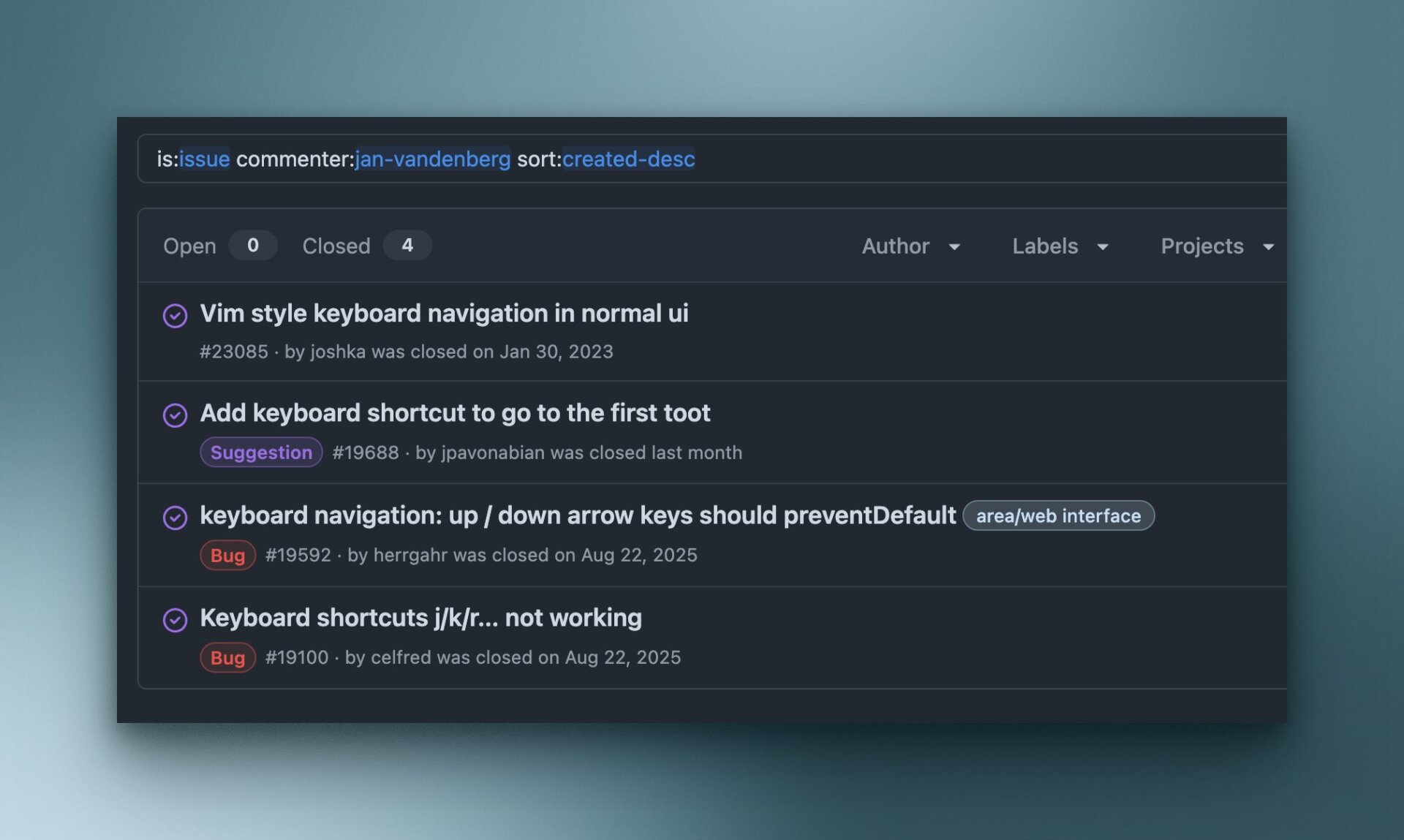
It annoyed me, because I knew how it should work. But try explaining that. The problem with this specific issue is: you have to SEE it before you understand it. Last year at FOSDEM, I even approached Eugen —- the creator of Mastodon —- about this (there’s a photo of my youngest with Eugen). But I don’t think he got it. Or maybe I explained it poorly. That’s also possible.
I needed a better way of explaining my request.
That’s why, in January, I "vibe-coded" a Mastodon client that does exactly what I want -- and shows how it's supposed to work -- and opened yet another issue. This time with a video. To SHOW what I meant.
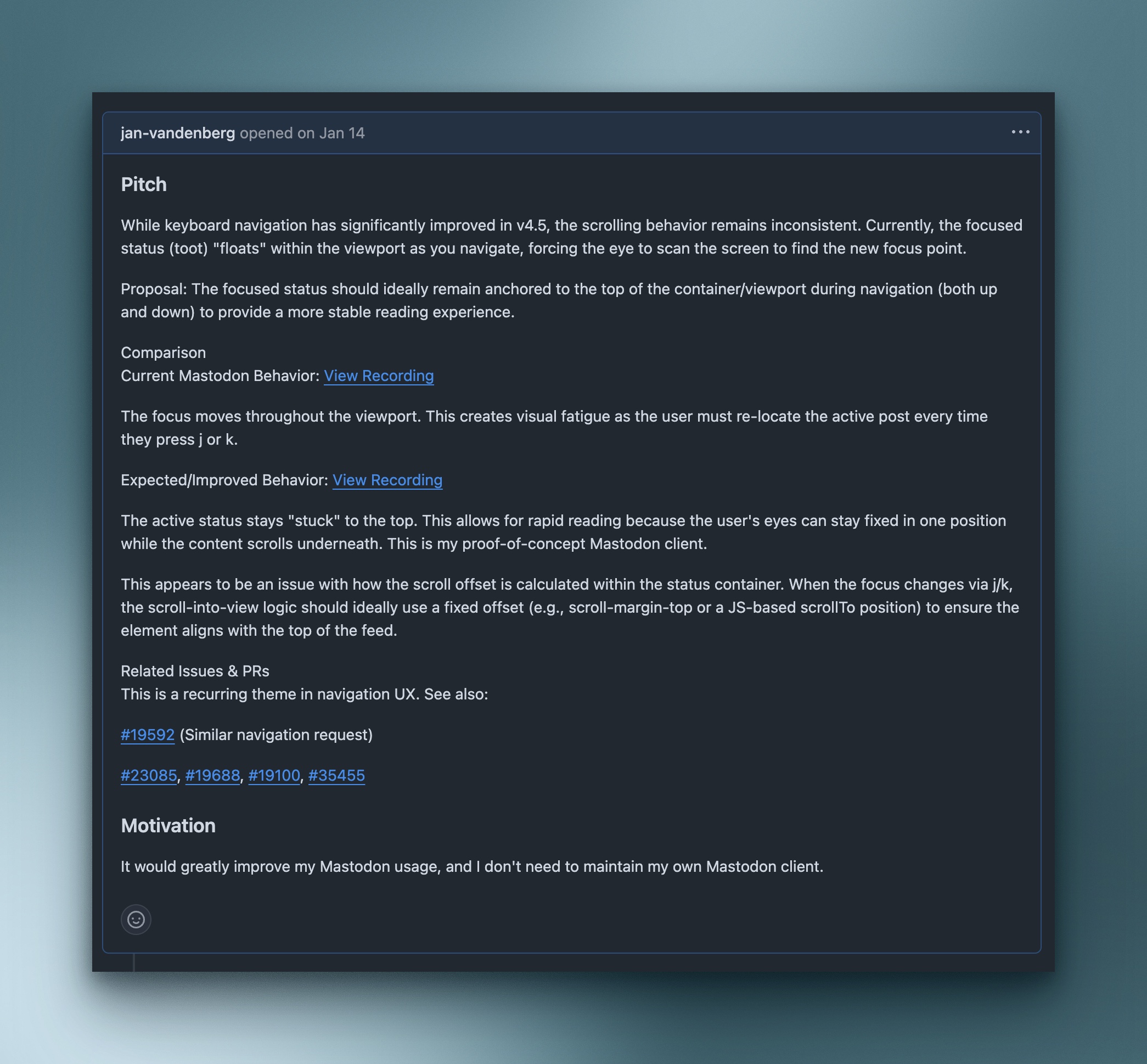
This helped!
The penny finally dropped. And a fix quickly followed!
Long story short: the latest Mastodon release from this week includes this fix. I can see it’s already working on mastodon.social. Give it a try: just tap the 'j' or 'k' keys.
This version is currently being rolled out to Mastodon servers worldwide, and hopefully soon to my own mastodon.nl instance.
Persistence pays off?